
Mar 10, 2021
How to Check Announcements in Your Japanese Town
In mid-February, our town had some problems that were mostly broadcast via megaphone by a car making its rounds through the neighborhood. My problem was that I would hardly have been able to understand them in English, much less in Japanese. Luckily, my husband relayed the first message to me via text: the town's water was being shut off at 5PM with no clear timeline for when it would be back online. The next day, while he was out, other messages kept coming and I didn't know what to do. Every few hours another message would be blared out and I raced to my balcony every time I heard it start, trying to record video and audio on my phone for my husband to translate later.
Imagine my surprise when my husband comes home, not having heard any of these messages, takes one look at his phone, and tells me our water has been back on for several hours. Baffled, I asked how he could know that and he said it's on the website.
Somehow, in a town that blares announcements on loud speakers, I had completely forgotten about websites.
So if you are like me in that you have trouble understanding messages that are blared out of loudspeakers and fear something is happening in your city that you are not aware of, use your phone's Japanese text board and type in the name of your city in a web search in your browser. The results should come up with your city's website. If you search for the name of your city in roman letters, odds are you'll receive many English language websites, though not necessarily ones about the current goings-on in your Japanese town. They can still be useful, even if your city does not have an English language information website. 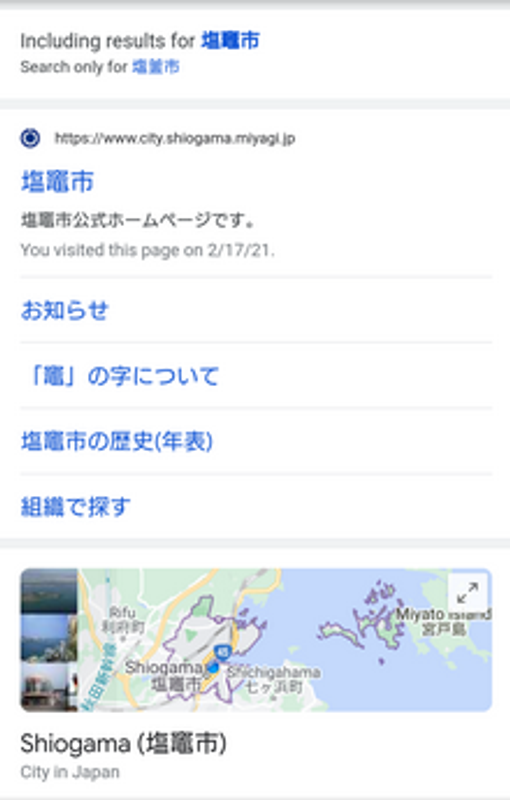
Selecting and copying the kanji from my city's wiki page gave me a purely Japanese search result which contained up-to-date information.
What you will find, likely includes at least one information page that gives you the kanji as well. Copying that kanji and pasting it into the search bar should still lead you to the city page.
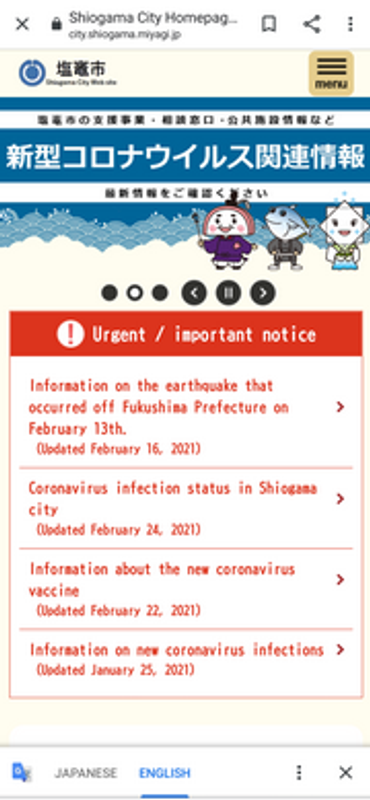
The city homepage, translated and all!
If your Japanese isn't good enough to read the city page, you can highlight the text with your finger or cursor and copy into a translator app or click translate in some browsers. While some things will be awkward and these computer translations tend to mix up pronouns and verb tenses, the main details for most of these situations are usually pretty clear. If you use Google Chrome, you can even have the computer translate any Japanese text outside of pictures on a page into English. Sometimes this is helpful and sometimes it is more confusing, but overall I find it to be a good way to go. You can always click the language back at the bottom and tell it to un-translate the words.
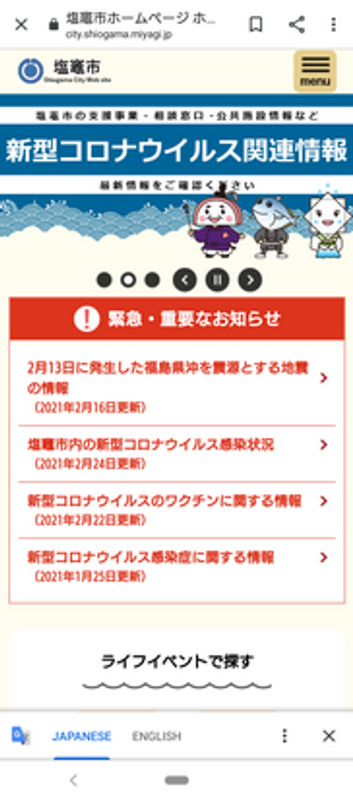
Back to Japanese. No Problem.
That's how I found website for my area and confirmed that yes, our water was on.


0 Comments